Sign in to the Payments Hub from Websites + Marketing
The dashboard for GoDaddy Payments is where you connect your store to your bank account, and review and manage all your transactions.
- Go to your GoDaddy product page.
- Scroll down, expand Websites + Marketing and select Manage next to your site.
- On your dashboard, expand Commerce, and then select GoDaddy Payments.
- Sign up for GoDaddy Payments, if you haven't already.
More info
- Check out all the ways you can process payments, including a virtual terminal and sharable Online Pay Links.
- Download the GoDaddy Commerce app to process charges and access your GoDaddy Payments reports through your phone.
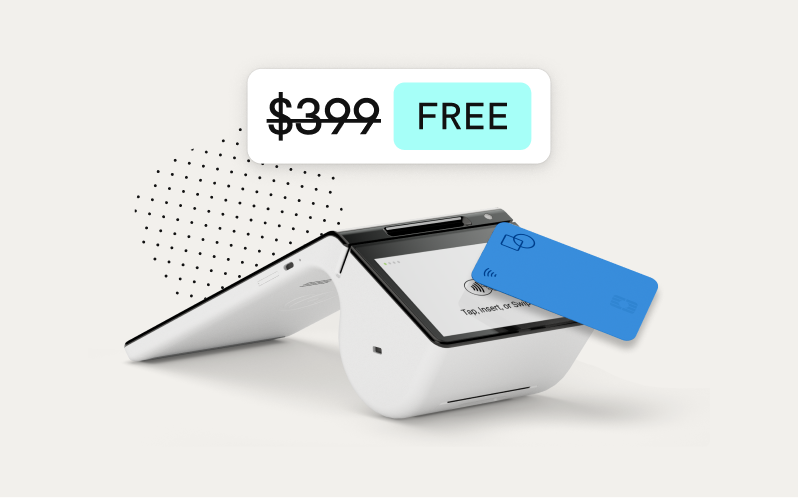
- Want to sell in person? We can help! Learn how to order a Smart Terminal or GoDaddy Poynt Card Reader.